- Beginner
- 24 lessons
- ≈ 11 h
- Module 1 free, then $14.99
Make your tycoon in Roblox Studio
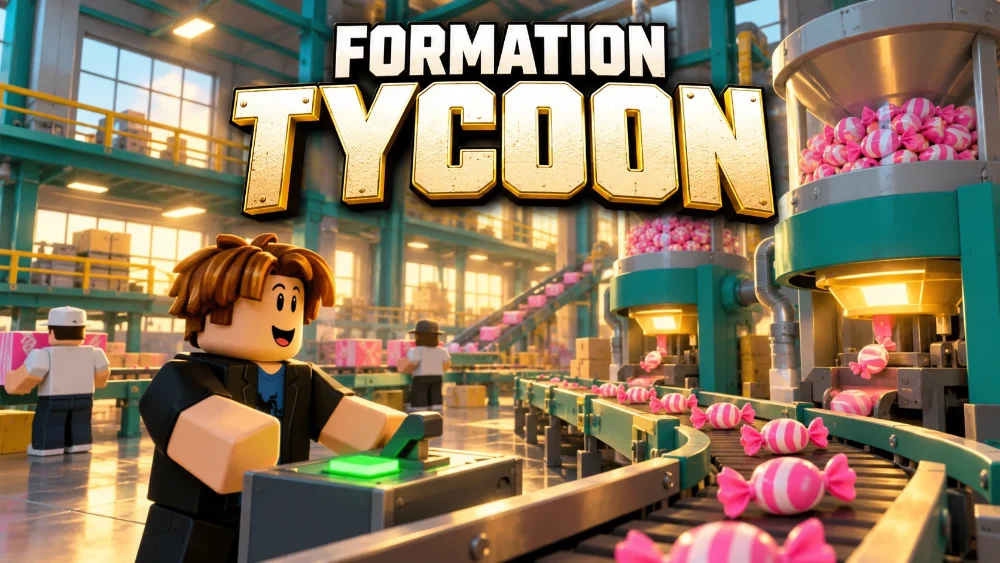
You build a real candy factory: machines drop candy, conveyor belts carry it away, the cash register fills up, and every purchase makes a new piece of the factory appear. Several players each build their own on the same server. At the end, your tycoon is published on Roblox.
What you’ll build: Your candy factory
4 plots to claim, droppers, conveyor belts, an upgrader, a cash register and a collect button, about twenty chained purchases (machines, walls, floors), sounds and particles, saving and a “double money” Game Pass. Published on Roblox.
By the end, you will know how to
- Script a production line: machines, conveyor belts, collector
- Make the factory appear piece by piece with purchase buttons
- Give each player their own plot and their own factory
- Save what was bought, rebuild the factory when the player returns and publish your game
- Make the game last with rebirth, offline earnings, badges and a leaderboard
Course outline
6 modules, 24 lessons, about 11 h. Go at your own pace: every exercise is checked in Roblox Studio.
1Your first machine Free
You discover what makes a tycoon so addictive, you set up your plot and you build the first production line: a machine that makes candy, a conveyor that carries it and a collector that fills the cash register.
Your first machine Free
You discover what makes a tycoon so addictive, you set up your plot and you build the first production line: a machine that makes candy, a conveyor that carries it and a collector that fills the cash register.
- What makes a good tycoonLesson · 15 min
- Set up your plotIn Studio · 25 min
- A dropper that makes candyIn Studio · 30 min
- A conveyor beltIn Studio · 20 min
- The collector and the cash registerIn Studio · 25 min
- Module quizQuiz · 10 min
ConceptsGame loopModelPrimaryPartCollectionServiceTagsAttributesAttachmentDebrisAssemblyLinearVelocityTouchedSurfaceGui
2Purchase buttons
Your factory builds itself piece by piece: the player collects the money from the register, steps on buttons to buy, and each purchase makes a machine, a wall or the next button appear.
Purchase buttons
Your factory builds itself piece by piece: the player collects the money from the register, steps on buttons to buy, and each purchase makes a machine, a wall or the next button appear.
- Your money and the collect buttonIn Studio · 25 min
- Hide objects and make them appearLesson · 20 min
- Purchase buttonsIn Studio · 30 min
- Chained purchasesIn Studio · 25 min
- Module quizQuiz · 10 min
ConceptsleaderstatsCollectingServerStorageParentCloneAttributesChained purchasesBillboardGui
3Several players
Your tycoon goes multiplayer: each player claims a plot, gets their own factory copied from a template, and the plot is freed when they leave.
Several players
Your tycoon goes multiplayer: each player claims a plot, gets their own factory copied from a template, and the plot is freed when they leave.
- A tycoon for several playersLesson · 20 min
- Claim a plotIn Studio · 25 min
- One factory per playerIn Studio · 30 min
- Free the plot when a player leavesIn Studio · 20 min
- Module quizQuiz · 10 min
ConceptsOwnerUserIdServerStorageClonePivotToCFrameGetInstanceAddedSignalPlayerRemovingDestroy
4Upgrades and atmosphere
Your factory gets more profitable and more alive: an upgrader that multiplies the value of the candy, walls and a floor to buy, then sounds and particles that make every candy satisfying.
Upgrades and atmosphere
Your factory gets more profitable and more alive: an upgrader that multiplies the value of the candy, walls and a floor to buy, then sounds and particles that make every candy satisfying.
- The upgraderIn Studio · 25 min
- Walls and a floor to buyIn Studio · 25 min
- Sounds and particlesIn Studio · 25 min
- Module quizQuiz · 10 min
ConceptsUpgraderAttributesGame designFloorsSoundSoundServiceParticleEmitterEmit
5Saving and publishing
Your tycoon remembers every player: their money and the list of their purchases. When they come back, their factory rebuilds itself. You add a “double money” Game Pass, then you publish your game.
Saving and publishing
Your tycoon remembers every player: their money and the list of their purchases. When they come back, their factory rebuilds itself. You add a “double money” Game Pass, then you publish your game.
- Save money and purchasesIn Studio · 30 min
- Rebuild the factory on returnIn Studio · 25 min
- A “double money” Game PassIn Studio · 25 min
- Publish your tycoonIn Studio · 20 min
- Module quizQuiz · 10 min
ConceptsDataStoreServicepcallTablesBindToCloseRebuildingGame PassMarketplaceServiceUserOwnsGamePassAsyncPublishing
6Rebirth and offline earnings
Your tycoon lasts a long time: rebirth to earn more, earnings while you're away, badges for every milestone and a leaderboard of the biggest fortunes.
Rebirth and offline earnings
Your tycoon lasts a long time: rebirth to earn more, earnings while you're away, badges for every milestone and a leaderboard of the biggest fortunes.
- RebirthIn Studio · 35 min
- Offline earningsIn Studio · 35 min
- Factory badgesIn Studio · 30 min
- The fortune leaderboardIn Studio · 30 min
- Module quizQuiz · 10 min
ConceptsRebirthMultiplieros.timeOffline earningsFireClientOnClientEventstring.findBadgeServiceAttributesOrderedDataStoreGetSortedAsync
How much does it cost?
Module 1 is free: you try before you pay. After that, a one-time payment, no subscription.
Tycoon
This whole course.
- Module 1 free to try
- 24 lessons, about 11 h
- Your game published on Roblox
Creator Pass
Every course, today’s and the ones to come.
- Every course, for life
- Courses you already paid for are deducted
- New courses included
Frequently asked questions
Do I need to know how to code?
No. The course builds on “Roblox Studio Basics”, which is free and teaches you everything you need before you start.
How long does it take?
24 lessons, about 11 h in total. Go at your own pace.
How much does it cost?
Module 1 is free. After that, $14.99 as a one-time payment, no subscription. Or the Creator Pass at $34.99 for every course (courses you already paid for are deducted).
What do I need?
A Windows or Mac computer with Roblox Studio, which is free, and a Roblox account. Roblox Studio doesn’t work on phones or tablets.
Will my game really be published?
Yes. You finish by publishing your game on Roblox, so your friends can play it.
The other courses
All courses-
- Beginner
- 27 lessons
- Free
Roblox Studio basics
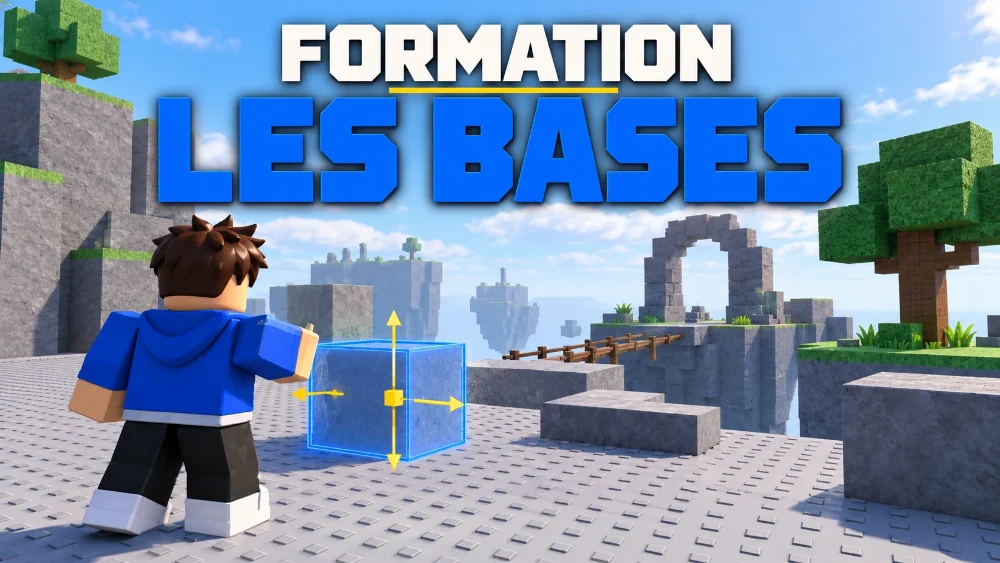
Your first steps in Roblox Studio: you build, you test, then you write your first scripts and make your…
See the course -
- Beginner
- 21 lessons
- Module 1 free, then $14.99
Obby: your course in the sky
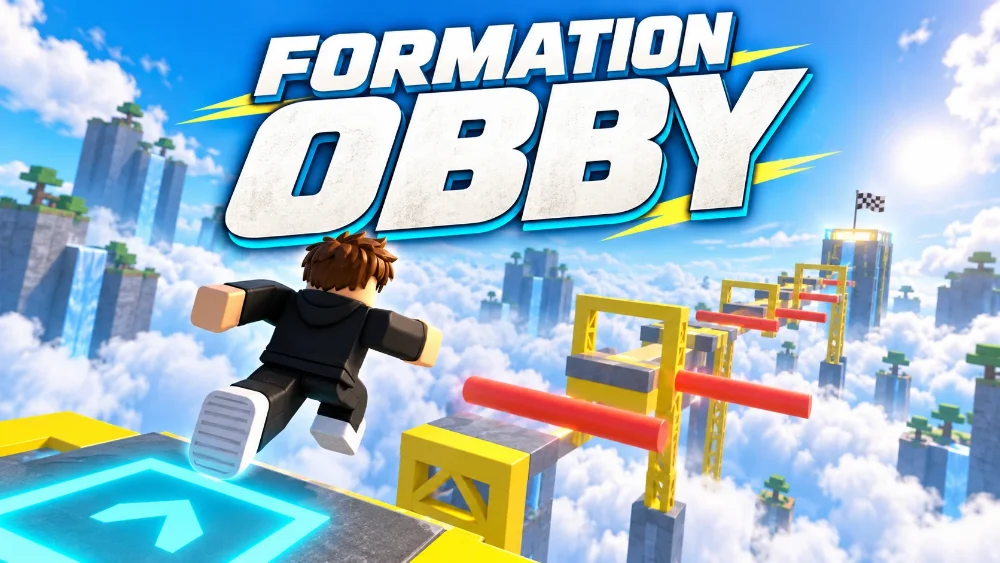
You build a 30-stage obby floating in the sky: jumps, checkpoints, traps, moving platforms,…
See the course -
- Beginner
- 24 lessons
- Module 1 free, then $14.99
Simulator: your pet game
You build a complete simulator: players collect coins, buy upgrades, open eggs, pets follow…
See the course
Start your tycoon today
Module 1 is free: start your project tonight, no account needed to begin.
Try module 1 for free