- Beginner
- 27 lessons
- ≈ 11 h
- Free
Learn Roblox Studio and Luau, for free
Your first steps in Roblox Studio: you build, you test, then you write your first scripts and make your game react. No experience needed, and everything you need to take on a Project course.
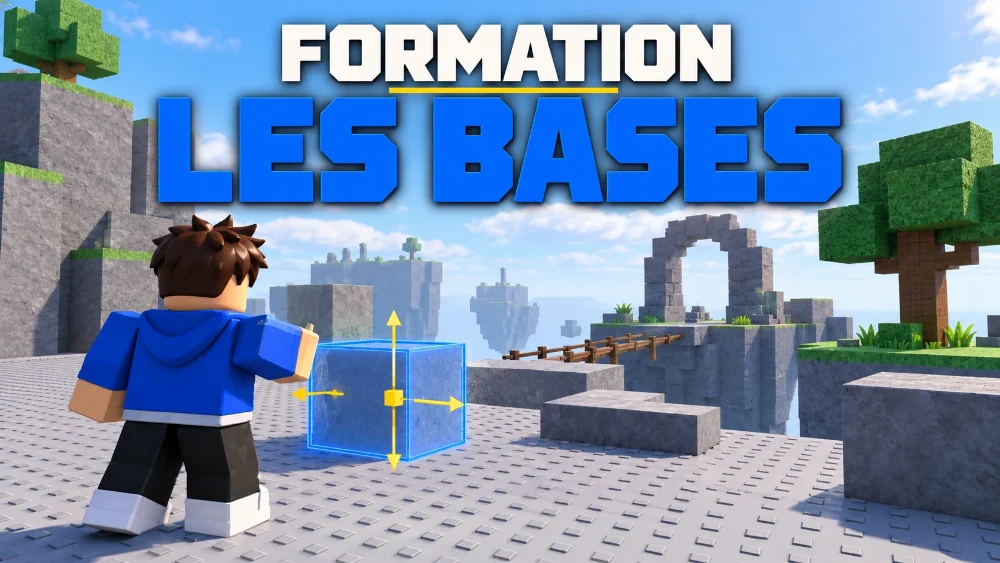
By the end, you will know how to
- Build and test a level in Studio
- Write your first scripts in Luau
- Make your game take decisions
- Make your game react to players
- Make the player's screen and the server talk to each other
Course outline
6 modules, 27 lessons, about 11 h. Go at your own pace: every exercise is checked in Roblox Studio.
1Discover Roblox Studio
You install Studio, find your way around, build with Parts and test what you made.
Discover Roblox Studio
You install Studio, find your way around, build with Parts and test what you made.
- Create your first projectLesson · 15 min
- The essential windowsLesson · 20 min
- Move around in 3DIn Studio · 15 min
- Create and transform a PartIn Studio · 25 min
- Colors, materials, AnchoredIn Studio · 20 min
- Test your gameIn Studio · 20 min
- Module quizQuiz · 10 min
ConceptsBaseplateExplorerWorkspacePropertiesOutputCameraPartStudsX Y ZSizeAnchoredCanCollideTest
2Your first script
You write your first Luau scripts: show messages, remember values, change a Part, and fix your mistakes.
Your first script
You write your first Luau scripts: show messages, remember values, change a Part, and fix your mistakes.
- What a script is, and where to put itLesson · 15 min
- print() and OutputIn Studio · 20 min
- Variables and typesLesson · 25 min
- Change a Part with codeIn Studio · 25 min
- Read an error and fix itLesson · 20 min
- Module quizQuiz · 10 min
ConceptsScriptServerScriptServiceprintOutputVariablesnumberstringbooleannilVector3Color3script.ParentErrors
3Conditions
Your game makes decisions: compare, choose between several cases, combine conditions and add some randomness.
Conditions
Your game makes decisions: compare, choose between several cases, combine conditions and add some randomness.
4Loops
You repeat actions: build with code, make things blink, make them move, without ever freezing the game. And you store whole collections in tables to go through them in one loop.
Loops
You repeat actions: build with code, make things blink, make them move, without ever freezing the game. And you store whole collections in tables to go through them in one loop.
- The for loopLesson · 25 min
- while and task.wait()Lesson · 20 min
- Make a Part blink and moveIn Studio · 25 min
- Tables: lists and dictionariesLesson · 25 min
- Module quizQuiz · 10 min
ConceptsforcounterstepInstance.newParentwhiletask.waitwhile truebreakTablesListsDictionariesipairspairsGetChildren
5Functions and events
Your game reacts to players: you write your own functions, you listen to Touched, and you put together a real game mechanic.
Functions and events
Your game reacts to players: you write your own functions, you listen to Touched, and you put together a real game mechanic.
- Create a functionLesson · 25 min
- Events: TouchedLesson · 25 min
- Lava that sends you back to the startIn Studio · 25 min
- A button that opens a doorIn Studio · 25 min
- Module quizQuiz · 10 min
ConceptsfunctionparametersreturneventTouchedClickDetector:ConnecthitHumanoidFindFirstChilddebounceHealthPivotTo
6The client and the server
You understand who runs what in a Roblox game, you build your first screen, and your game passes messages between the player and the server, safely.
The client and the server
You understand who runs what in a Roblox game, you build your first screen, and your game passes messages between the player and the server, safely.
- Two computers, one gameLesson · 20 min
- Your first screenIn Studio · 25 min
- The RemoteEvent: talking to the serverIn Studio · 30 min
- Never trust the clientIn Studio · 30 min
- Module quizQuiz · 10 min
ConceptsServerClientScriptLocalScriptStarterGuiScreenGuiTextButtonActivatedUDim2ReplicatedStorageRemoteEventFireServerOnServerEventtypeofSecurity
How much does it cost?
Nothing. “The Basics” is completely free.
Roblox Studio basics
Everything you need before your first real game.
- 27 lessons, about 11 h
- Exercises checked in Roblox Studio
- Bloxi helps you when you get stuck
Frequently asked questions
Do I need to know how to code?
No. No experience needed: you start by installing Roblox Studio, then you write your first scripts step by step.
How long does it take?
27 lessons, about 11 h in total. Go at your own pace.
How much does it cost?
Completely free. All you need is a LearnBlox account.
What do I need?
A Windows or Mac computer with Roblox Studio, which is free, and a Roblox account. Roblox Studio doesn’t work on phones or tablets.
The other courses
All courses-
- Beginner
- 21 lessons
- Module 1 free, then $14.99
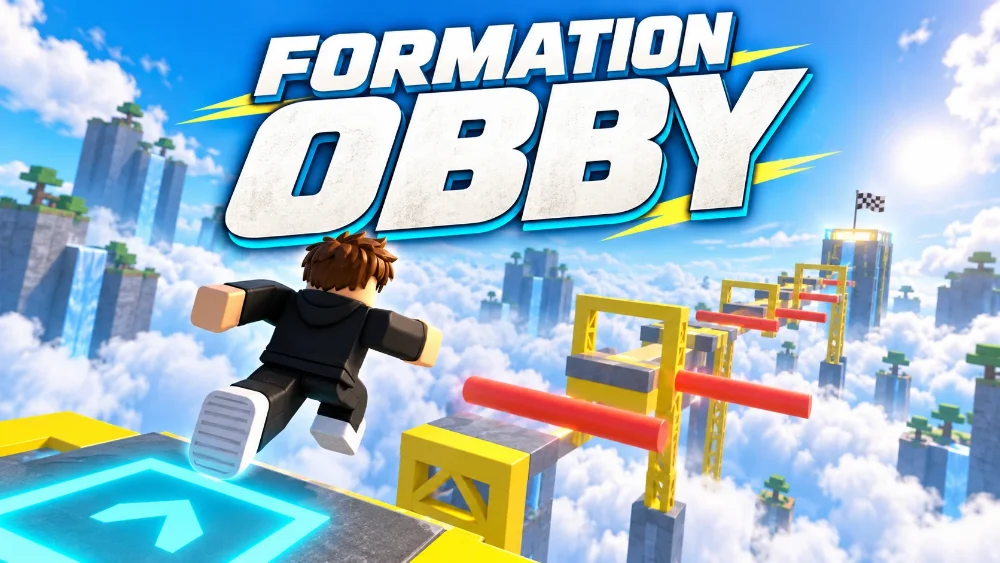
Obby: your course in the sky
You build a 30-stage obby floating in the sky: jumps, checkpoints, traps, moving platforms,…
See the course -
- Beginner
- 24 lessons
- Module 1 free, then $14.99
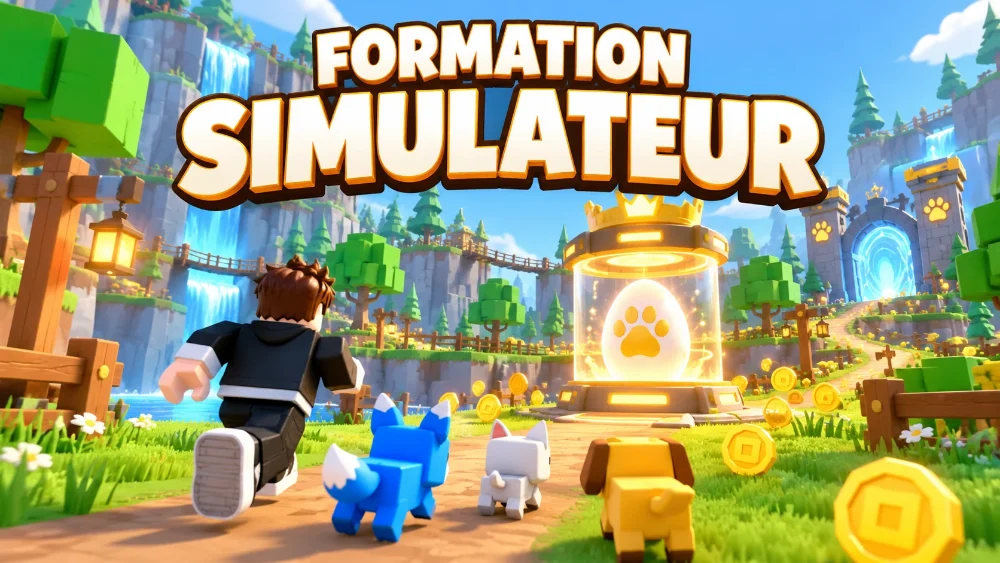
Simulator: your pet game
You build a complete simulator: players collect coins, buy upgrades, open eggs, pets follow…
See the course -
- Beginner
- 24 lessons
- Module 1 free, then $14.99
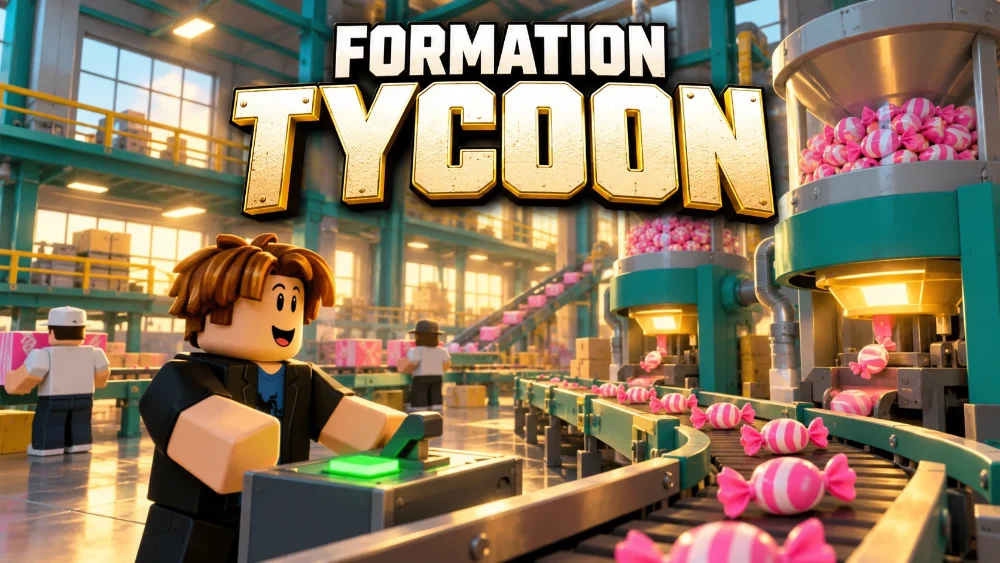
Tycoon: your candy factory
You build a real candy factory: machines drop candy, conveyor belts carry it away, the cash register…
See the course
Your first game starts today
Start your first lesson right now, no account needed. You only need one for the exercises in Studio.
Start for free