- Beginner
- 21 lessons
- ≈ 10 h
- Module 1 free, then $14.99
Make your obby in Roblox Studio
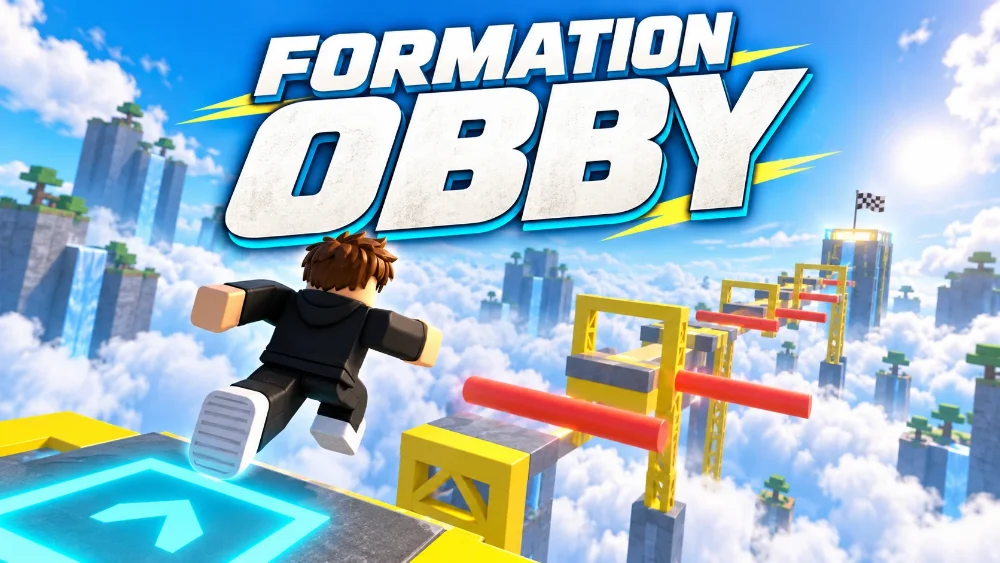
You build a 30-stage obby floating in the sky: jumps, checkpoints, traps, moving platforms, saving and a leaderboard. At the end, it's published on Roblox and your friends can play it.
What you’ll build: Your obby in the sky
30 stages in 3 zones, checkpoints, traps, moving platforms, the saved stage, a leaderboard and a “Skip stage” button. Published on Roblox, with a speedrun timer, badges, unlockable trails, conveyor belts and trampolines.
By the end, you will know how to
- Design fair stages that get harder and harder
- Script checkpoints, traps and animated platforms
- Save progress and show a leaderboard
- Publish your obby on Roblox
- Add a timer, badges and unlockable rewards
Course outline
5 modules, 21 lessons, about 10 h. Go at your own pace: every exercise is checked in Roblox Studio.
1Your first levels Free
You learn what makes an obby fun, you set up your project and you build, test and balance the first 10 stages.
Your first levels Free
You learn what makes an obby fun, you set up your project and you build, test and balance the first 10 stages.
2Checkpoints and traps
Your obby keeps track of the player's progress and gets dangerous: numbered checkpoints, a stage counter, lava handled by a single script, platforms that disappear.
Checkpoints and traps
Your obby keeps track of the player's progress and gets dangerous: numbered checkpoints, a stage counter, lava handled by a single script, platforms that disappear.
- How Roblox respawns a playerLesson · 20 min
- Numbered checkpointsIn Studio · 30 min
- One script for all the lavaIn Studio · 25 min
- Platforms that disappearIn Studio · 20 min
- Module quizQuiz · 10 min
ConceptsSpawnLocationRespawnLocationleaderstatsIntValueAttributesCollectionServiceTagstask.delayCanCollide
3Animated platforms
You make your world move smoothly with TweenService: platforms that go back and forth, spinning obstacles, then the final zone and the finish line.
Animated platforms
You make your world move smoothly with TweenService: platforms that go back and forth, spinning obstacles, then the final zone and the finish line.
- TweenService: smooth movementLesson · 25 min
- A platform that goes back and forthIn Studio · 25 min
- Spinning obstaclesIn Studio · 25 min
- Zone 3 and the finish lineIn Studio · 25 min
- Module quizQuiz · 10 min
ConceptsTweenServiceTweenInfoEasingCreatePlayCFrameRotationFinish line
4Saving, leaderboard and publishing
Your obby remembers every player, shows the best ones, offers to skip a stage, then it's published on Roblox.
Saving, leaderboard and publishing
Your obby remembers every player, shows the best ones, offers to skip a stage, then it's published on Roblox.
- Save a player's stageLesson · 25 min
- Pick up where you left offIn Studio · 25 min
- A top players boardIn Studio · 30 min
- “Skip stage” with a Developer ProductIn Studio · 25 min
- Publish your obbyIn Studio · 20 min
- Module quizQuiz · 10 min
ConceptsDataStoreServicepcallPlayerAddedPlayerRemovingOrderedDataStoreSurfaceGuiDeveloper ProductMarketplaceServiceProcessReceiptPublishing
5Speedrun and rewards
Your obby makes players want to come back: a timer to beat their record, badges for every achievement, unlockable trails and two new obstacles.
Speedrun and rewards
Your obby makes players want to come back: a timer to beat their record, badges for every achievement, unlockable trails and two new obstacles.
- A race timerIn Studio · 30 min
- Badges for your achievementsIn Studio · 30 min
- Unlockable trailsIn Studio · 35 min
- Trampolines and conveyor beltsIn Studio · 30 min
- Module quizQuiz · 10 min
ConceptsGetServerTimeNowAttributesRenderSteppedstring.formatBadgeServiceAwardBadgeRemoteEventTrailAttachmentAssemblyLinearVelocityNetwork ownership
How much does it cost?
Module 1 is free: you try before you pay. After that, a one-time payment, no subscription.
Obby
This whole course.
- Module 1 free to try
- 21 lessons, about 10 h
- Your game published on Roblox
Creator Pass
Every course, today’s and the ones to come.
- Every course, for life
- Courses you already paid for are deducted
- New courses included
Frequently asked questions
Do I need to know how to code?
No. The course builds on “Roblox Studio Basics”, which is free and teaches you everything you need before you start.
How long does it take?
21 lessons, about 10 h in total. Go at your own pace.
How much does it cost?
Module 1 is free. After that, $14.99 as a one-time payment, no subscription. Or the Creator Pass at $34.99 for every course (courses you already paid for are deducted).
What do I need?
A Windows or Mac computer with Roblox Studio, which is free, and a Roblox account. Roblox Studio doesn’t work on phones or tablets.
Will my game really be published?
Yes. You finish by publishing your game on Roblox, so your friends can play it.
The other courses
All courses-
- Beginner
- 27 lessons
- Free
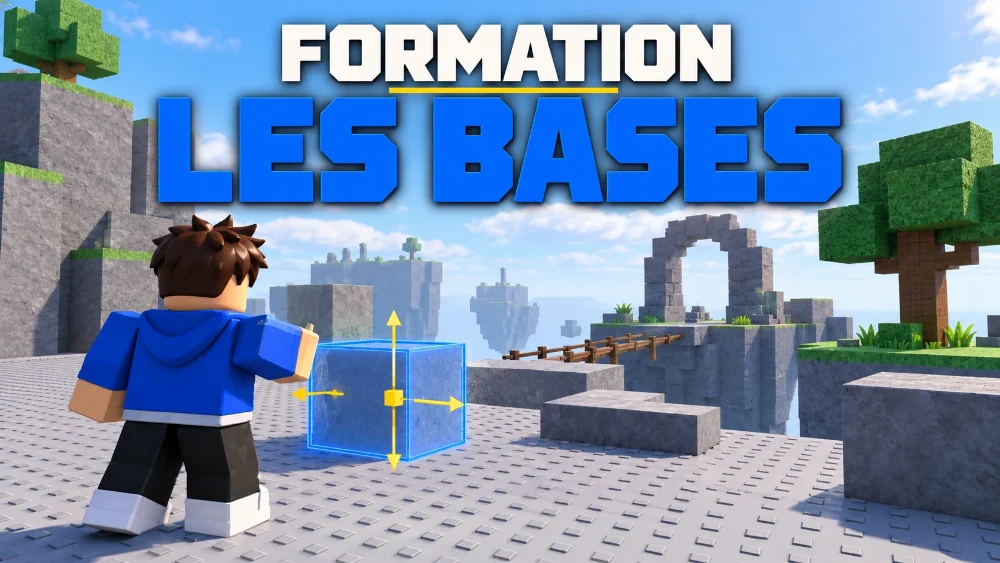
Roblox Studio basics
Your first steps in Roblox Studio: you build, you test, then you write your first scripts and make your…
See the course -
- Beginner
- 24 lessons
- Module 1 free, then $14.99
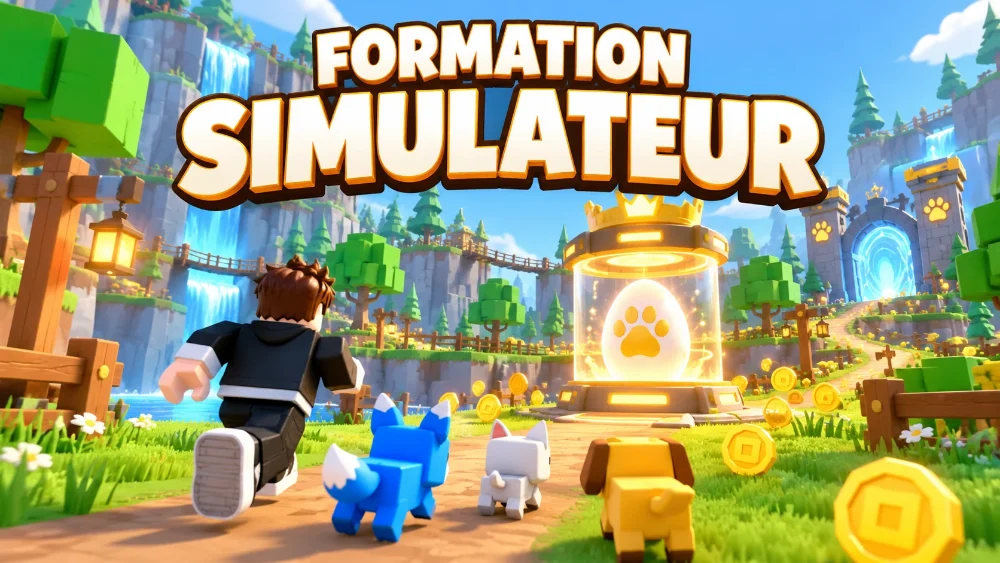
Simulator: your pet game
You build a complete simulator: players collect coins, buy upgrades, open eggs, pets follow…
See the course -
- Beginner
- 24 lessons
- Module 1 free, then $14.99
Tycoon: your candy factory
You build a real candy factory: machines drop candy, conveyor belts carry it away, the cash register…
See the course
Start your obby today
Module 1 is free: start your project tonight, no account needed to begin.
Try module 1 for free