- Beginner
- 24 lessons
- ≈ 12 h
- Module 1 free, then $14.99
Make your pet simulator on Roblox
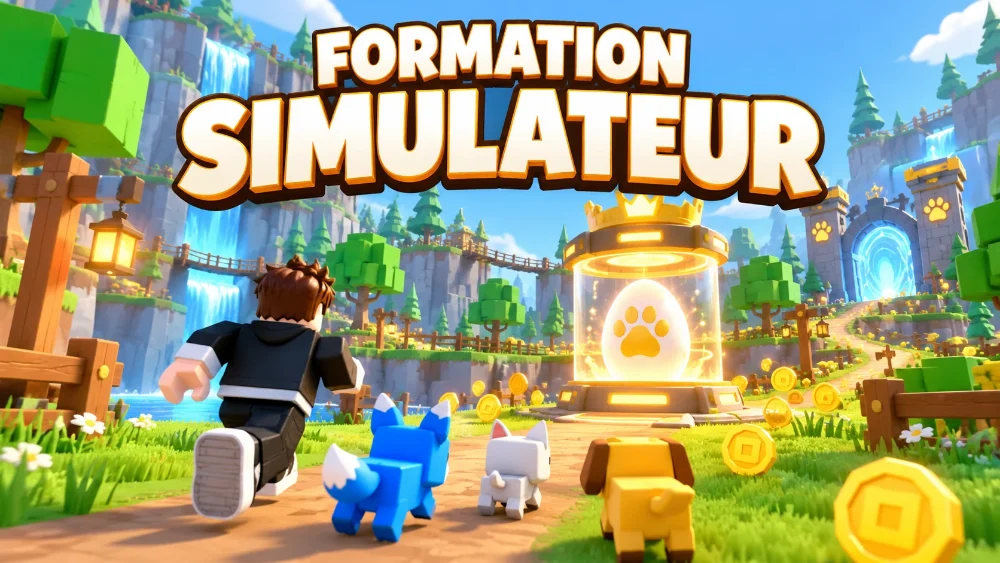
You build a complete simulator: players collect coins, buy upgrades, open eggs, pets follow them and boost their earnings, new zones unlock and they rebirth stronger. At the end, it's published on Roblox.
What you’ll build: Your pet simulator
A map with 3 zones, coins to collect that respawn, an interface with upgrades, 2 eggs and 6 pets in 3 rarities, zone gates, rebirth, saving, a leaderboard and a “×2 coins” Game Pass. Published on Roblox.
By the end, you will know how to
- Design the “collect, buy, progress” loop that makes players want to stay
- Make the player's screen and the server talk without letting anyone cheat
- Script eggs with probabilities and pets that follow the player
- Save all progress, show a leaderboard and publish your game
- Bring players back with quests, a daily gift and goals to buy
Course outline
6 modules, 24 lessons, about 12 h. Go at your own pace: every exercise is checked in Roblox Studio.
1The heart of the simulator Free
You discover what makes a simulator addictive, you prepare a polished map and you script the core loop: a coin counter and coins to collect that respawn.
The heart of the simulator Free
You discover what makes a simulator addictive, you prepare a polished map and you script the core loop: a coin counter and coins to collect that respawn.
- What makes a simulator addictiveLesson · 15 min
- Prepare a map players loveIn Studio · 30 min
- Your coin counterIn Studio · 20 min
- Coins to collect that respawnIn Studio · 30 min
- Module quizQuiz · 10 min
ConceptsGame loopGame designLightingAtmosphereMaterialsleaderstatsIntValueCollectionServiceTagstask.delay
2Interface and upgrades
Your game gets a screen: the balance is shown, a button asks the server for an upgrade, and the server checks everything before accepting. Nobody can cheat by changing their screen.
Interface and upgrades
Your game gets a screen: the balance is shown, a button asks the server for an upgrade, and the server checks everything before accepting. Nobody can cheat by changing their screen.
- Client and server: who decides what?Lesson · 25 min
- Your game screenIn Studio · 25 min
- A button that talks to the serverIn Studio · 25 min
- ×2, ×3, ×4 upgradesIn Studio · 30 min
- Module quizQuiz · 10 min
ConceptsClient and serverLocalScriptRemoteEventFireServerOnServerEventRemoteFunctionScreenGuiTextLabelTextButtonUICornerUIStrokeAttributes
3Eggs and pets
The players' favorite moment: opening an egg. You script a random draw with probabilities, a pet that follows its player everywhere and a bonus that depends on its rarity.
Eggs and pets
The players' favorite moment: opening an egg. You script a random draw with probabilities, a pet that follows its player everywhere and a bonus that depends on its rarity.
- Randomness with probabilitiesLesson · 25 min
- Open an eggIn Studio · 30 min
- A pet that follows youIn Studio · 30 min
- The equipped pet's bonusIn Studio · 25 min
- Module quizQuiz · 10 min
ConceptsProbabilitiesRandomTablesProximityPromptReplicatedStorageCloneAlignPositionAlignOrientationAttachmentMasslessRarity
4Zones and rebirths
Your world gets bigger: paid gates open new, richer zones, and rebirth lets players start over with a permanent bonus. You also learn to balance the economy.
Zones and rebirths
Your world gets bigger: paid gates open new, richer zones, and rebirth lets players start over with a permanent bonus. You also learn to balance the economy.
- Balance the economyLesson · 20 min
- Zone gatesIn Studio · 30 min
- RebirthIn Studio · 25 min
- Module quizQuiz · 10 min
ConceptsGame economyPrice curvePowersZone gateLocal collisionRebirthPermanent bonusmath.floor
5Saving, leaderboard and publishing
Your simulator remembers every player (coins, upgrades, pets, zones, rebirths), shows the best ones, offers a “×2 coins” Game Pass, then it's published on Roblox.
Saving, leaderboard and publishing
Your simulator remembers every player (coins, upgrades, pets, zones, rebirths), shows the best ones, offers a “×2 coins” Game Pass, then it's published on Roblox.
- Save a whole playerLesson · 25 min
- Save coins, pets and rebirthsIn Studio · 30 min
- The top players leaderboardIn Studio · 25 min
- A “×2 coins” Game PassIn Studio · 25 min
- Publish your simulatorIn Studio · 20 min
- Module quizQuiz · 10 min
ConceptsDataStoreServicepcallUpdateAsyncTablesBindToCloseOrderedDataStoreSurfaceGuiGame PassMarketplaceServiceUserOwnsGamePassAsyncPublishing
6Bring players back
Your simulator makes players want to come back: a bag to admire their collection, quests, a gift every day and a coin magnet to buy.
Bring players back
Your simulator makes players want to come back: a bag to admire their collection, quests, a gift every day and a coin magnet to buy.
- The pet inventory on screenIn Studio · 35 min
- Quests to completeIn Studio · 35 min
- The daily rewardIn Studio · 35 min
- The coin magnetIn Studio · 30 min
- Module quizQuiz · 10 min
ConceptsScrollingFrameUIGridLayoutChildAddedQuestsModuleScriptos.timeStreakProximityPromptMagnitudeSaving
How much does it cost?
Module 1 is free: you try before you pay. After that, a one-time payment, no subscription.
Simulator
This whole course.
- Module 1 free to try
- 24 lessons, about 12 h
- Your game published on Roblox
Creator Pass
Every course, today’s and the ones to come.
- Every course, for life
- Courses you already paid for are deducted
- New courses included
Frequently asked questions
Do I need to know how to code?
No. The course builds on “Roblox Studio Basics”, which is free and teaches you everything you need before you start.
How long does it take?
24 lessons, about 12 h in total. Go at your own pace.
How much does it cost?
Module 1 is free. After that, $14.99 as a one-time payment, no subscription. Or the Creator Pass at $34.99 for every course (courses you already paid for are deducted).
What do I need?
A Windows or Mac computer with Roblox Studio, which is free, and a Roblox account. Roblox Studio doesn’t work on phones or tablets.
Will my game really be published?
Yes. You finish by publishing your game on Roblox, so your friends can play it.
The other courses
All courses-
- Beginner
- 27 lessons
- Free
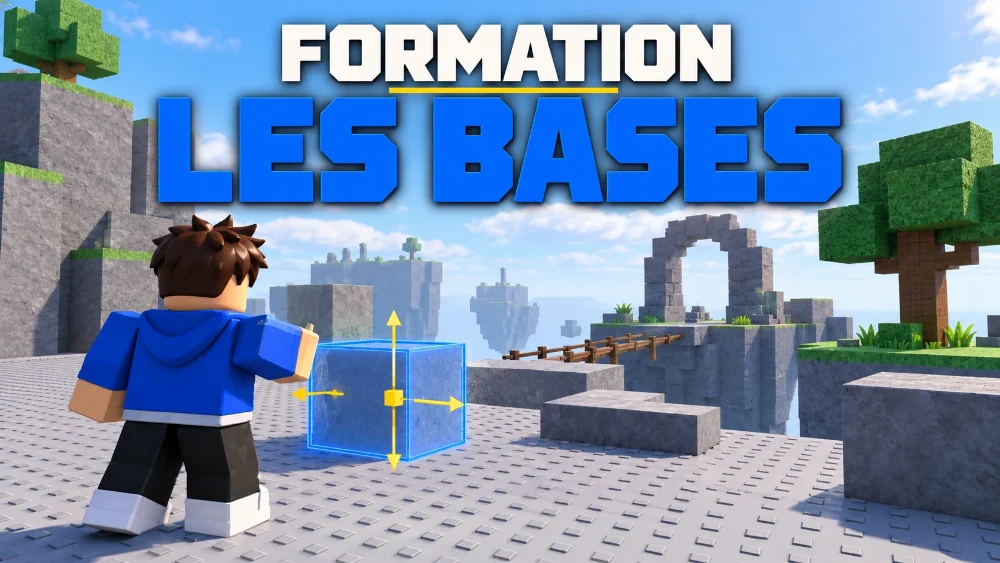
Roblox Studio basics
Your first steps in Roblox Studio: you build, you test, then you write your first scripts and make your…
See the course -
- Beginner
- 21 lessons
- Module 1 free, then $14.99
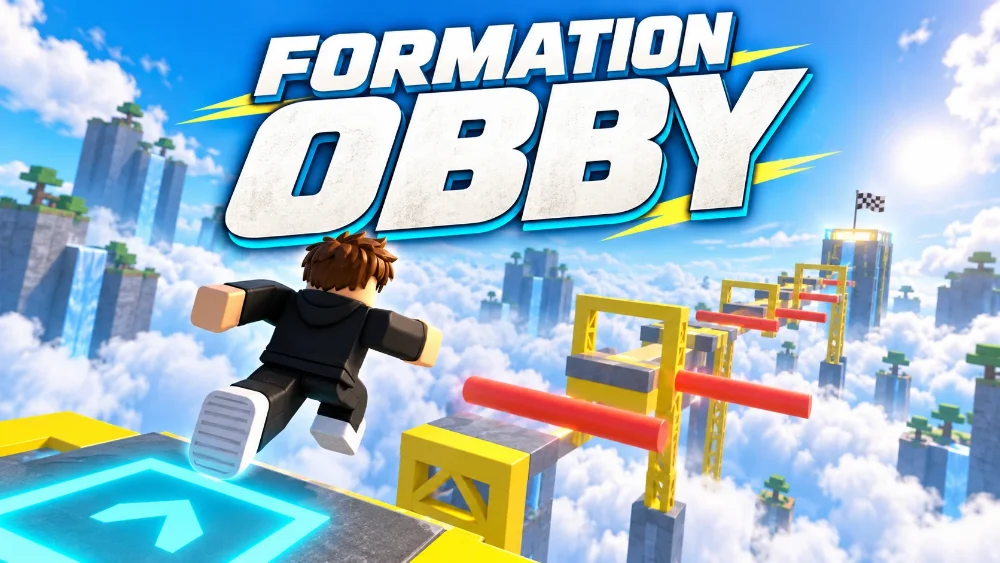
Obby: your course in the sky
You build a 30-stage obby floating in the sky: jumps, checkpoints, traps, moving platforms,…
See the course -
- Beginner
- 24 lessons
- Module 1 free, then $14.99
Tycoon: your candy factory
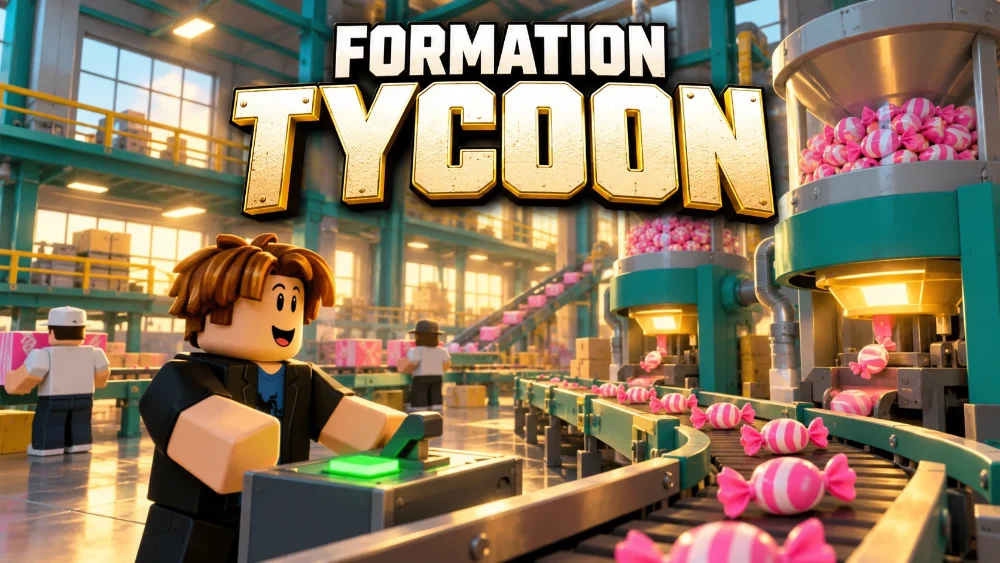
You build a real candy factory: machines drop candy, conveyor belts carry it away, the cash register…
See the course
Start your simulator today
Module 1 is free: start your project tonight, no account needed to begin.
Try module 1 for free