- Intermediate
- 27 lessons
- ≈ 13 h
- Module 1 free, then $14.99
Make your horror game on Roblox
It's night, the power is out, and something is lurking in the hallways. You build a real horror game to play with friends: a flashlight, a monster that patrols and chases you, locked doors, fuses to find to turn the lights back on and escape. At the end, your game is published on Roblox.
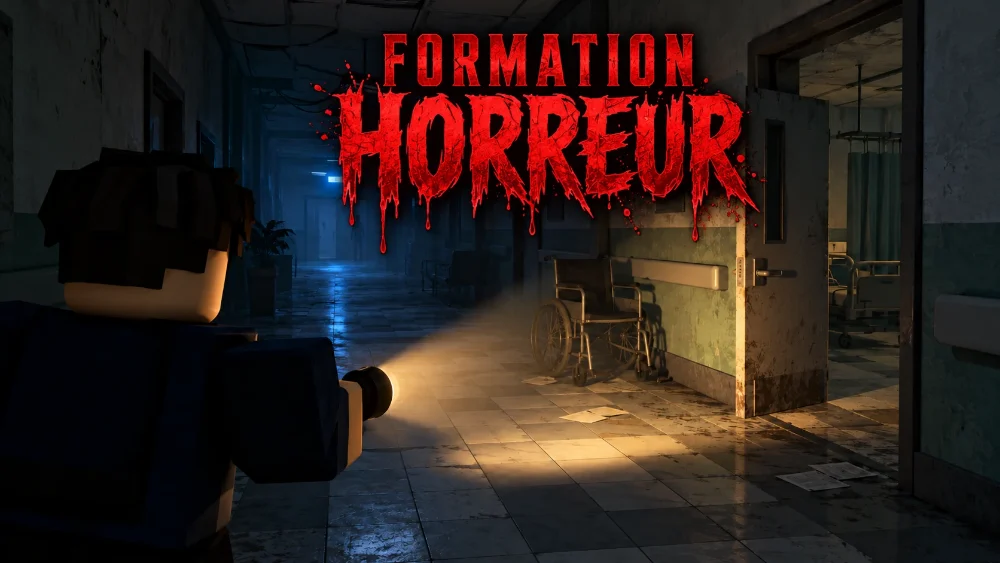
What you’ll build: The abandoned hospital
A hospital plunged into darkness, a flashlight, a monster that opens doors and follows players, two keys, three fuses to bring back to the electrical panel, an exit to reach, an intro cutscene, traps and a jumpscare. Rounds for 1 to 6 players, escapes saved. Published on Roblox.
By the end, you will know how to
- Create a scary atmosphere with lighting, fog and sound
- Script a monster that patrols, finds its way, sees players and chases them
- Build doors, keys and a puzzle that leads to the exit
- Stage a cutscene, messages and a jumpscare, then publish your game with rounds
- Turn the game into a multiplayer survival: stun the monster, revive teammates, spectate the team
Course outline
6 modules, 27 lessons, about 13 h. Go at your own pace: every exercise is checked in Roblox Studio.
1A scary atmosphere Free
You discover what makes a game scary, you build the hospital, you plunge it into night, you give the player a flashlight and you fill the hallways with creepy sounds.
A scary atmosphere Free
You discover what makes a game scary, you build the hospital, you plunge it into night, you give the player a flashlight and you fill the hallways with creepy sounds.
- What makes a game scaryLesson · 15 min
- Build the hospitalIn Studio · 30 min
- Night fallsIn Studio · 20 min
- The flashlightIn Studio · 25 min
- Scary soundsIn Studio · 25 min
- Module quizQuiz · 10 min
ConceptsTensionLightingAtmosphereColorCorrectionToolSpotLightSound3D soundCollectionService
2The monster
You bring the monster to life: it patrols between points, works out its path through the hallways, sees players when nothing hides them, chases them and catches them.
The monster
You bring the monster to life: it patrols between points, works out its path through the hallways, sees players when nothing hides them, chases them and catches them.
- How a monster thinksLesson · 15 min
- The monster makes its roundsIn Studio · 25 min
- Finding its wayIn Studio · 25 min
- Seeing the playersIn Studio · 30 min
- Chase and catchIn Studio · 30 min
- Module quizQuiz · 10 min
ConceptsState machineHumanoidMoveToSetNetworkOwnerPathfindingServiceWaypointsRaycastDot productChase
3Doors, keys and a puzzle
The hospital becomes a path to follow: doors that swing open and that the monster can open too, keys shared by the team, three fuses to bring back to the electrical panel and an exit that only opens with the power on.
Doors, keys and a puzzle
The hospital becomes a path to follow: doors that swing open and that the monster can open too, keys shared by the team, three fuses to bring back to the electrical panel and an exit that only opens with the power on.
- Doors that openIn Studio · 30 min
- Keys and locked doorsIn Studio · 25 min
- Design a puzzleLesson · 15 min
- The electrical panelIn Studio · 30 min
- The exitIn Studio · 20 min
- Module quizQuiz · 10 min
ConceptsProximityPromptTweenServiceWeldConstraintPathfindingModifierAttributesPuzzle designleaderstats
4Staging
You make your game speak: on-screen messages, an intro cutscene with the camera, a jumpscare when the monster catches a player and traps that trigger at the right moment.
Staging
You make your game speak: on-screen messages, an intro cutscene with the camera, a jumpscare when the monster catches a player and traps that trigger at the right moment.
- On-screen messagesIn Studio · 25 min
- An intro cutsceneIn Studio · 30 min
- The jumpscareIn Studio · 25 min
- Traps that surpriseIn Studio · 25 min
- Module quizQuiz · 10 min
ConceptsRemoteEventScreenGuiLocalScriptCameraCameraTypeTweenServiceJumpscareTriggers
5Rounds and publishing
Your game becomes replayable: a waiting lobby, rounds that reset the hospital, saved escapes, then publishing with a polished page and the maturity questionnaire.
Rounds and publishing
Your game becomes replayable: a waiting lobby, rounds that reset the hospital, saved escapes, then publishing with a polished page and the maturity questionnaire.
- RoundsIn Studio · 30 min
- Reset the hospitalIn Studio · 25 min
- Save the escapesIn Studio · 25 min
- Publish your horror gameIn Studio · 20 min
- Module quizQuiz · 10 min
ConceptsRound loopResetDataStoreServicepcallBindToCloseMaturity questionnairePublishing
6Surviving together
Your horror game becomes a team game: the flashlight stuns the monster, players revive their teammates, sounds guide the fear and eliminated players spectate the ones still standing.
Surviving together
Your horror game becomes a team game: the flashlight stuns the monster, players revive their teammates, sounds guide the fear and eliminated players spectate the ones still standing.
- The stunning flashlightIn Studio · 35 min
- Revive a teammateIn Studio · 35 min
- Sounds that guide the fearIn Studio · 30 min
- Spectate your teammatesIn Studio · 30 min
- Module quizQuiz · 10 min
ConceptsToolDot productRaycastCooldownProximityPrompttask.delay3D soundRollOffmath.clampCameraSubjectResetOnSpawn
How much does it cost?
Module 1 is free: you try before you pay. After that, a one-time payment, no subscription.
Horror
This whole course.
- Module 1 free to try
- 27 lessons, about 13 h
- Your game published on Roblox
Creator Pass
Every course, today’s and the ones to come.
- Every course, for life
- Courses you already paid for are deducted
- New courses included
Frequently asked questions
Do I need to know how to code?
No. The course builds on “Roblox Studio Basics”, which is free and teaches you everything you need before you start.
How long does it take?
27 lessons, about 13 h in total. Go at your own pace.
How much does it cost?
Module 1 is free. After that, $14.99 as a one-time payment, no subscription. Or the Creator Pass at $34.99 for every course (courses you already paid for are deducted).
What do I need?
A Windows or Mac computer with Roblox Studio, which is free, and a Roblox account. Roblox Studio doesn’t work on phones or tablets.
Will my game really be published?
Yes. You finish by publishing your game on Roblox, so your friends can play it.
The other courses
All courses-
- Beginner
- 27 lessons
- Free
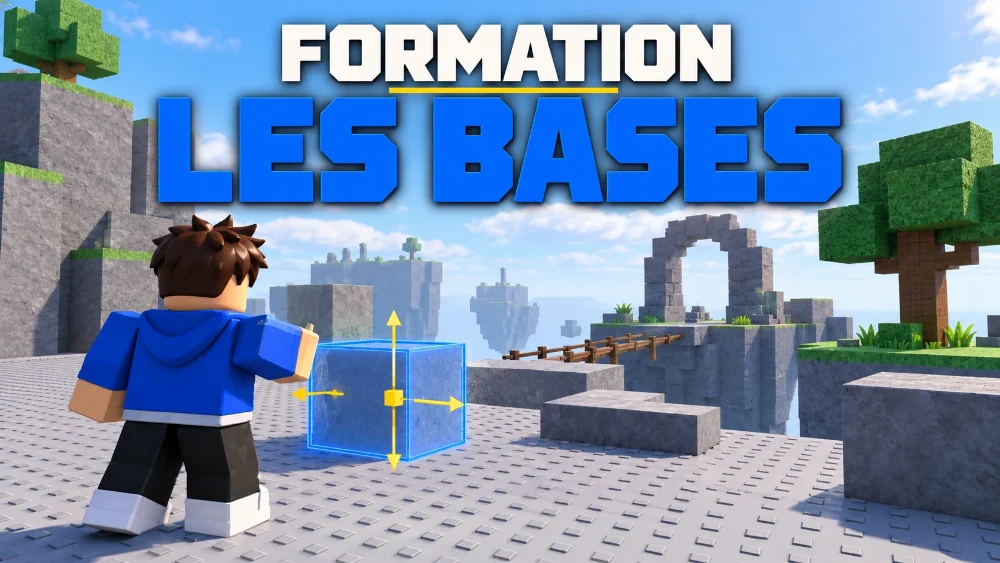
Roblox Studio basics
Your first steps in Roblox Studio: you build, you test, then you write your first scripts and make your…
See the course -
- Beginner
- 21 lessons
- Module 1 free, then $14.99
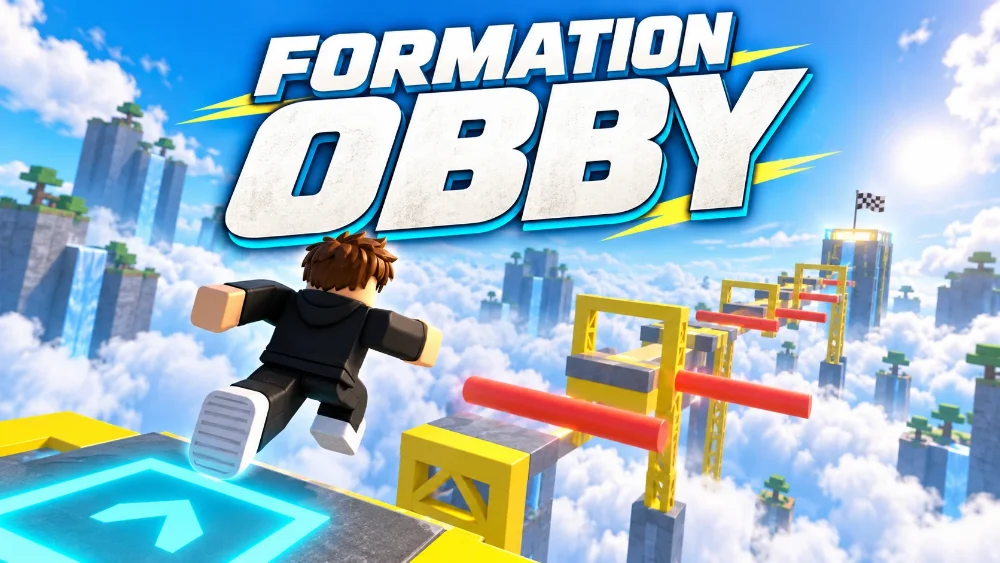
Obby: your course in the sky
You build a 30-stage obby floating in the sky: jumps, checkpoints, traps, moving platforms,…
See the course -
- Beginner
- 24 lessons
- Module 1 free, then $14.99
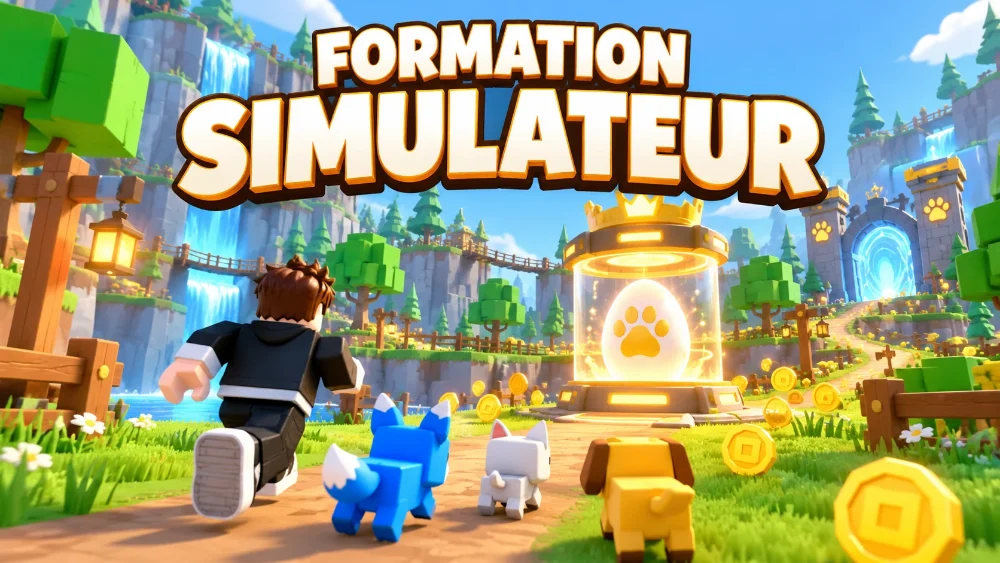
Simulator: your pet game
You build a complete simulator: players collect coins, buy upgrades, open eggs, pets follow…
See the course
Start your horror game today
Module 1 is free: start your project tonight, no account needed to begin.
Try module 1 for free